Trac Notifications

A lot of people are confused about how to sign up to get notified of tracTrac Trac is the place where contributors create issues for bugs or feature requests much like GitHub.https://core.trac.wordpress.org/. ticket activity. To help someone I just spent ten minutes looking around for good instructions (note: add to coreCore Core is the set of software required to run WordPress. The Core Development Team builds WordPress. contrib handbook in part about trac).

Is there any way to pre-fill the trac preferences tab for name and email with the information stored in the user’s wordpress.orgWordPress.org The community site where WordPress code is created and shared by the users. This is where you can download the source code for WordPress core, plugins and themes as well as the central location for community conversations and organization. https://wordpress.org/ profile?

#notifications, #profiles, #trac

Today I imported all make wordpress org events…

Today I imported all make.wordpress.orgWordPress.org The community site where WordPress code is created and shared by the users. This is where you can download the source code for WordPress core, plugins and themes as well as the central location for community conversations and organization. https://wordpress.org//events posts to make.wordpress.org/community. This resulted in three unexpected results.

1.) I chose to import users from /events, but those users don’t seem to have been imported. (I added heatheracton and adavis3105 as a test for the second issue.)

2.) Comments made by authors on /events are now showing my GravatarGravatar Is an acronym for Globally Recognized Avatar. It is the avatar system managed by WordPress.com, and used within the WordPress software. https://gravatar.com and, when you click on their names, connect to my wporg profile. For example, Heather Acton’s comment here. A close up: http://cl.ly/image/2d05343x101V

3.) There seems to be a character encoding issue on imported content: http://cl.ly/image/2q2I1D1d3q0t

Help me, metaMeta Meta is a term that refers to the inside workings of a group. For us, this is the team that works on internal WordPress sites like WordCamp Central and Make WordPress. team, you’re my only hope. 🙂

#import, #make

Open Sourcing Meta Plugins

TL;DR: I’m proposing that some of the new plugins we write for WordPress.orgWordPress.org The community site where WordPress code is created and shared by the users. This is where you can download the source code for WordPress core, plugins and themes as well as the central location for community conversations and organization. https://wordpress.org/ live in the official pluginPlugin A plugin is a piece of software containing a group of functions that can be added to a WordPress website. They can extend functionality or add new features to your WordPress websites. WordPress plugins are written in the PHP programming language and integrate seamlessly with WordPress. These can be free in the WordPress.org Plugin Directory https://wordpress.org/plugins/ or can be cost-based plugin from a third-party. repo, rather than the MetaMeta Meta is a term that refers to the inside workings of a group. For us, this is the team that works on internal WordPress sites like WordCamp Central and Make WordPress. repo.

I’m working on #meta187 and part of it is a modification to P2P2 P2 or O2 is the term people use to refer to the Make WordPress blog. It can be found at https://make.wordpress.org to allow assigning a categoryCategory The 'category' taxonomy lets you group posts / content together that share a common bond. Categories are pre-defined and broad ranging. to a new post. I created a plugin for it, and initially I was just planning on putting it in the Meta SVNSVN Apache Subversion (often abbreviated SVN, after its command name svn) is a software versioning and revision control system. Software developers use Subversion to maintain current and historical versions of files such as source code, web pages, and documentation. Its goal is to be a mostly compatible successor to the widely used Concurrent Versions System (CVS). WordPress core and the wordpress.org released code are all centrally managed through SVN. https://subversion.apache.org/. repo, but since this is generic functionality — rather than something specific to WordPress.org — I started thinking about where the best place for it to live would be.

One of our goals it to open-source as much of WordPress.org as possible, and putting the plugin in the Meta repo would achieve that, but probably not in the most effective way. 99% of WP users and plugin developers aren’t aware that the Meta repo exists, so the code isn’t very visible. And if they wanted to get updates, they’d have to set it up as an svn:external, rather than just using the regular plugin update system.

So for the most part, the only people who would benefit from using it outside WordPress.org, or contribute back to it, would be other developers on the Meta team.

So instead, I’m thinking we should put it — and other plugins like it, in the future — into the regular WordPress.org plugin repository. That would give it much more exposure and would make it easy for others to use the plugin. The extra exposure would lead to more feedback from users and more contributions from developers.

We could add the wordpressdotorg user as a contributor to the plugin, to ensure the Meta team still has commit access to it if the original developer isn’t available.

What does everyone think about that?

#meta, #open-source, #plugin-directory

Profiles – Weekly Update 12

As you know, I’m working on enhancing profiles.wordpress.orgWordPress.org The community site where WordPress code is created and shared by the users. This is where you can download the source code for WordPress core, plugins and themes as well as the central location for community conversations and organization. https://wordpress.org/ as a part of GSoC’13 and this is my twelfth weekly update regarding how things are going.

While Scott is working on deployingDeploy Launching code from a local development environment to the production web server, so that it's available to visitors. the new profiles to .org, I decided to complete the next week’s task, which was:

September 9th – Any necessary documentation should be written by now.

You can see the documentation here. Thought it might come in handy for the maintainers of these plugins and installations on .org 🙂

See you next week!

#gsoc, #profiles, #weekly-update

Profiles – Weekly Update 11

Hi Everyone!

As you know, I’m working on enhancing profiles.wordpress.orgWordPress.org The community site where WordPress code is created and shared by the users. This is where you can download the source code for WordPress core, plugins and themes as well as the central location for community conversations and organization. https://wordpress.org/ as a part of GSoC’13 and this is my eleventh weekly update regarding how things are going.

Scott is currently working on getting the new profiles integration with .org as soon as possible. I’ll be back with more once everything is ready on the .org end. Finally we’re getting there! 🙂

See you next week!

#gsoc, #profiles, #weekly-update

Profiles – Weekly Update 10

Hi Everyone!

As you know, I’m working on enhancing profiles.wordpress.orgWordPress.org The community site where WordPress code is created and shared by the users. This is where you can download the source code for WordPress core, plugins and themes as well as the central location for community conversations and organization. https://wordpress.org/ as a part of GSoC’13 and this is my tenth weekly update regarding how things are going.

Unfortunately, we could not arrange a meeting with Jen to evaluate the first round of feedbacks and decide how to proceed UIUI UI is an acronym for User Interface - the layout of the page the user interacts with. Think ‘how are they doing that’ and less about what they are doing./UXUX UX is an acronym for User Experience - the way the user uses the UI. Think ‘what they are doing’ and less about how they do it.-wise. Since the task of deciding how to further shape the UI is pretty much the only big task left, Boone, Scott and me will be making some alternative plans. Scott will guide us regarding what needs to be done for the current code to be deployedDeploy Launching code from a local development environment to the production web server, so that it's available to visitors. (testing, review etc.).

See you next week!

#gsoc, #profiles, #weekly-update

Announcing the redesigned jobs.wordpress.net

We’ve just launched the redesign of jobs.wordpress.net!

The new design by @melchoyce and implemented by @coffee2code features new categories for filing jobs and a better backend for managing the moderation of jobs.

Speaking of moderation, I’m excited to announce the addition of two new members to our metaMeta Meta is a term that refers to the inside workings of a group. For us, this is the team that works on internal WordPress sites like WordCamp Central and Make WordPress. team focused on managing the jobs site. Put your virtual hands together for @mercime and @chriswiegman who have both been moderating for a while now, but we’re happy to announce today.

The jobs site was previously run by @laughinglizard of Weblog Tools Collection. Big thanks to him for all the hard work he’s put into the site over the years.

There’s lots more to do for jobs.wordpress.net, starting with improving the design on mobile. If there are ways you want to help out or problems that should get fixed, file tickets on the meta trac or contact @mercime or @chriswiegman.

#jobs-wordpress-net

developer.WordPress.org Specification

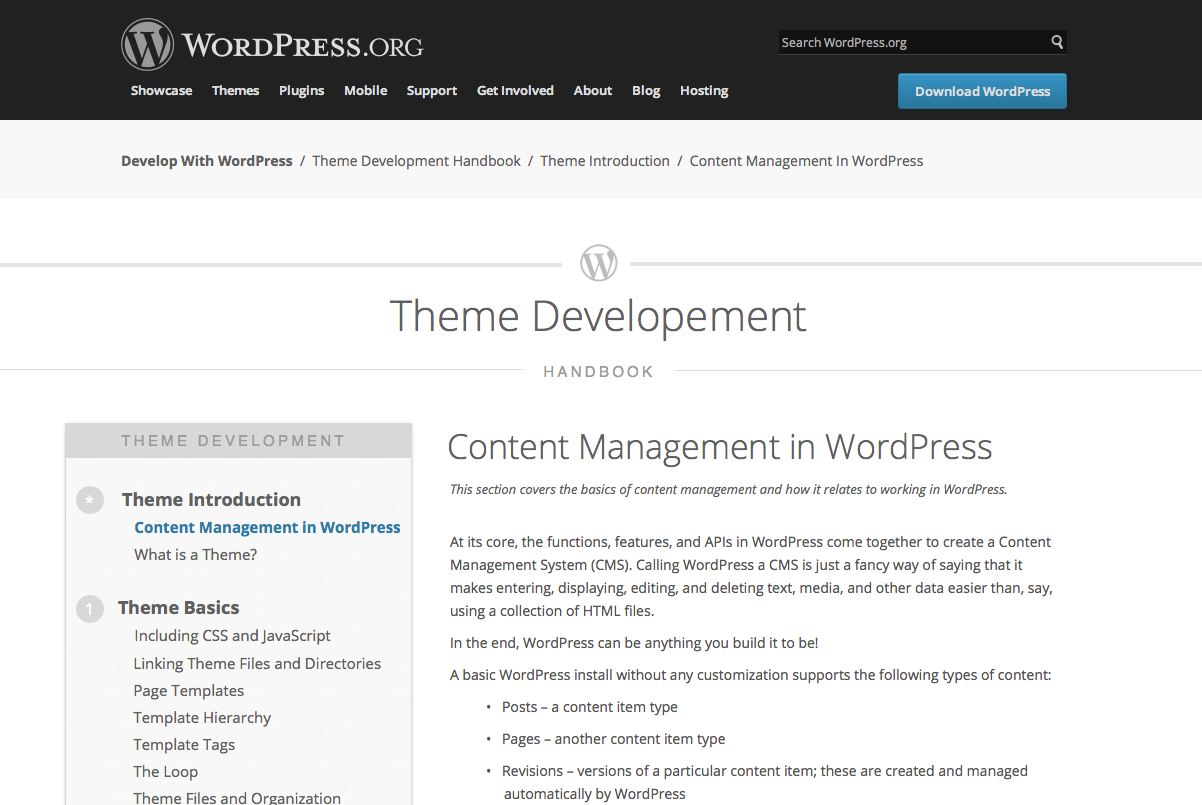
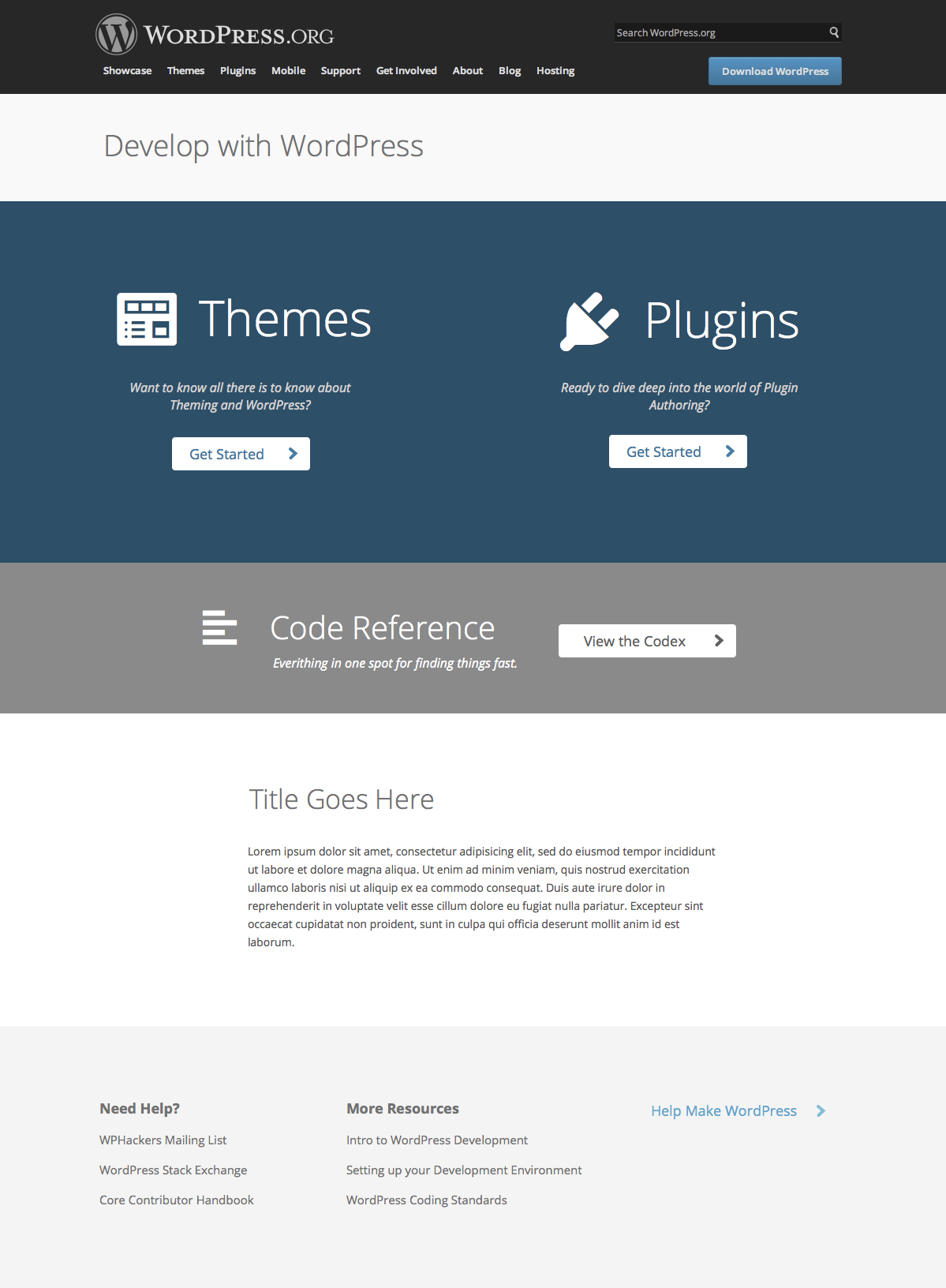
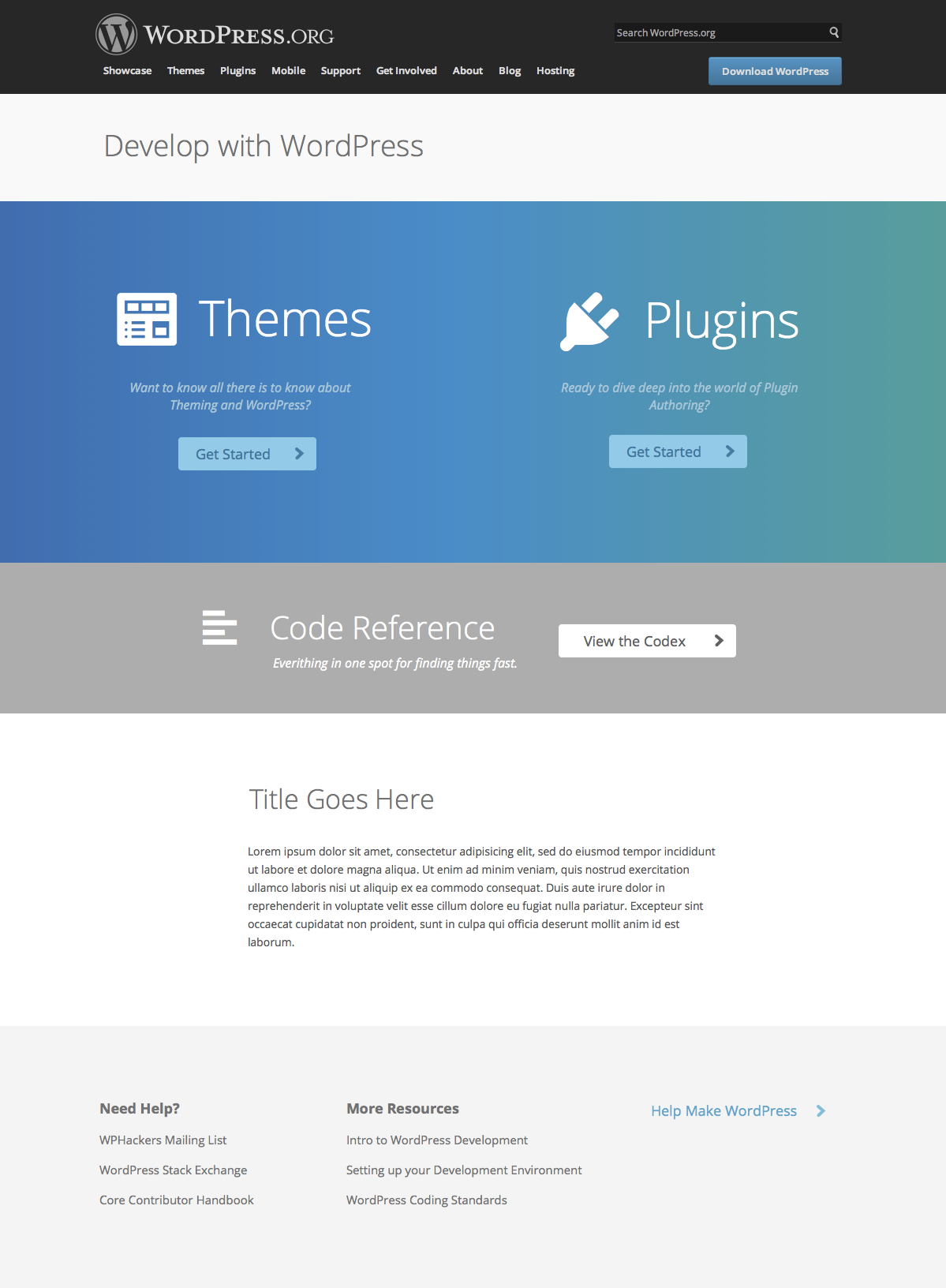
developer.WordPress.orgWordPress.org The community site where WordPress code is created and shared by the users. This is where you can download the source code for WordPress core, plugins and themes as well as the central location for community conversations and organization. https://wordpress.org/ is a new portal for WordPress developers. It will provide educational tools to teach people about WordPress development (in the form of handbooks) and a reference for the WordPress codebase (the code reference).

Goals

developer.WordPress.org has several goals:

  • improve current resources for developers
  • encourage best practices in WordPress development
  • educate new developers

If the site succeeds at encouraging best practices in WordPress development, a potential side-effect is an improvement in users’ experience of third party plugins and themes.

Stakeholders

The primary team identified as a stakeholder is the docs team. However, three other teams are associated stakeholders and their input will be used in the development of the resources. They are: coreCore Core is the set of software required to run WordPress. The Core Development Team builds WordPress., themes, and plugins. The net result of a successful implementation means improved documentation and educational information for new, intermediate, and experienced developers, ultimately affecting the entire project.

@siobhan has volunteered to own this project.

@samuelsidler will project manage and work with the above stakeholders (e.g., communicate with the team reps from each team).

Solutions

We’ve identified two features of the developer portal that will complete the goals of this project:

  1. developer handbooks
  2. code reference

To ensure we complete our goals, we’ll use the following metrics:

  • stats from the both the code reference and handbooks to ensure they’re being used
  • feedback from the development community by way of surveys, comments, and weekly meetings
  • full testing of handbooks by amateur developers; they should be able to work through the handbooks and achieve the individual handbook’s goal by the end.

Components

developer.WordPress.org can be broken up into three components, each with their own specific tasks.

Design

Designs need to be created for:

  • main landing page
  • handbook landing pages
  • individual handbook pages

Completed Steps:

Next Steps:

Handbooks

Two handbooks are currently in progress and are pivotal to the success of this project. Both are being spearheaded by @hanni.

Other handbooks have been proposed, but are not required to complete this project:

  • Introduction to WordPress Development
  • Server Configuration for WordPress
  • Building Networks with WordPress MultisiteMultisite Multisite is a WordPress feature which allows users to create a network of sites on a single WordPress installation. Available since WordPress version 3.0, Multisite is a continuation of WPMU or WordPress Multiuser project. WordPress MultiUser project was discontinued and its features were included into WordPress core. Advanced Administration Handbook -> Create A Network.

developer.WordPress.org should launch with the theme and pluginPlugin A plugin is a piece of software containing a group of functions that can be added to a WordPress website. They can extend functionality or add new features to your WordPress websites. WordPress plugins are written in the PHP programming language and integrate seamlessly with WordPress. These can be free in the WordPress.org Plugin Directory https://wordpress.org/plugins/ or can be cost-based plugin from a third-party. developer handbooks complete. More contributors are needed in this area to assist with writing, developing, editing, and testing the handbooks.

Next Steps:

  • review current handbook content
  • push handbooks to developer.wordpress.org with basic design (as seen on core contributor handbook); starting with theme dev handbook which is furthest along
  • @hanni to draw up further plans

Code Reference

Development of the code reference is currently in progress.

Completed Steps:

Next Steps:

The inline docs are going to be updated by the core team in 3.7 to ensure that we get a good output. Once the alpha is up and running we’ll need a team around making improvements to it. This will include:

  • ongoing development of the parser
  • extending the functionality (we’ll use meta.tracTrac Trac is the place where contributors create issues for bugs or feature requests much like GitHub.https://core.trac.wordpress.org/. for features, enhancements, bugs, so people can upload patches)
  • testing the workflow to make sure that people can contribute explanations and examples
  • moving relevant information from the Codex
  • having a drive to get people to add information
  • ongoing curation and moderation

#devhub, #projects, #spec

Profiles – Weekly Update 9

Hi Everyone!

As you know, I’m working on enhancing profiles.wordpress.orgWordPress.org The community site where WordPress code is created and shared by the users. This is where you can download the source code for WordPress core, plugins and themes as well as the central location for community conversations and organization. https://wordpress.org/ as a part of GSoC’13 and this is my ninth weekly update regarding how things are going.

Once again, you can find my whole final schedule here: http://www.mertyazicioglu.com/2013/06/25/gsoc-2013-schedule-enhance-profiles-wordpress-org/

As you can see from the schedule, the things I was planning to complete by now was as follows:

August 12th – All the known bug fixes should be done by now.

…and it’s done! 🙂

Since I tested the plugins pretty much every single week until the midterm evaluations and fixed the issues I came across, they really seem bug-free in my development environment. Therefore, no changes were made there.

The theme, on the other hand, is the newest piece of the puzzle and naturally it had bugs/unhandled scenarios such as elements overflowing into other elements, missing the code for the Google Plus icon, design of the areas when the user is not logged in, design of the elements that change when the user is displaying his/her own profile but does not have the necessary info on file etc. These are all fixed now.

In addition to these fixes, reorganized the PHPPHP PHP (recursive acronym for PHP: Hypertext Preprocessor) is a widely-used open source general-purpose scripting language that is especially suited for web development and can be embedded into HTML. https://www.php.net/manual/en/index.php code by removing unnecessary codes and making sure everything complies with WordPress’ PHP Coding Standards. Also, refactored the CSSCSS CSS is an acronym for cascading style sheets. This is what controls the design or look and feel of a site. line-by-line to ensure that it fully complies with WordPress’ CSS Coding Standards which resulted in making too many changes.

Finally, as I mentioned in my previous blog post, I was planning to work on how we can handle props in commit messages better which I also did. Had some time to learn regular expressions so I was able to write a better regular expression for it and handle the matches in a cleaner way. After spending hours staring at my regular expression to find out what’s wrong with it as it was not returning all matches for each sub-expression, I learned that PCRE is only capable of returning the last match of each sub-expression. Therefore, to my knowledge, it is not possible to match usernames solely with a regular expression. I tested my new solution on the last 25 commit messages and successfully extracted usernames from them.

Here is my previous quick and temporary solution:

preg_match('/props ([a-zA-Z0-9, ])*./', $_POST['message'], $matches);
$usernames = substr($matches[0], 6, -1);
$usernames = explode(', ', $usernames);

And here is my new and slightly better solution: (I’m looking forward to your suggestions on enhancing it)

$regex = '/props\s+((?:(?:\w+\b(?<!\bfixes))(?:[,][ ]*)?)+)/i';
preg_match_all( $regex, $_POST['message'], $matches );
$usernames = explode( ',', $matches[1][0] );
$usernames = array_map( 'trim', $usernames );
$usernames = array_filter( $usernames );

So everything I planned for this week has been completed, except the meeting with @jenmylo.

My original plan for the next week was as follows:

August 19th – Another round of feedbacks from the users should be gathered by now.

Since we were not able to evaluate the first round of feedbacks, I think we should start with doing that and ask for another round of feedbacks once the necessary changes/implementations are made.

See you next week!

#gsoc, #profiles, #weekly-update

Updated Project Queue

I just posted an updated Project Queue page, which is linked to in the nav bar of all the make/metaMeta Meta is a term that refers to the inside workings of a group. For us, this is the team that works on internal WordPress sites like WordCamp Central and Make WordPress. pages. The page includes just about all known projects the meta team is working on (based on the digestible list I posted before). There’s a few other projects that we’ll be adding to the list soon.

The Project Queue also includes an overview of how projects will work on wordpress.orgWordPress.org The community site where WordPress code is created and shared by the users. This is where you can download the source code for WordPress core, plugins and themes as well as the central location for community conversations and organization. https://wordpress.org/. Note that in most cases, the project manager will be me, but it may vary.

To start tackling this list, I’ve been working with @siobhan and will be posting a developer.WordPress.org spec later this week for feedback.

If you have questions about the process listed or if you think a project is missing from the list, let me know here.

#projects